




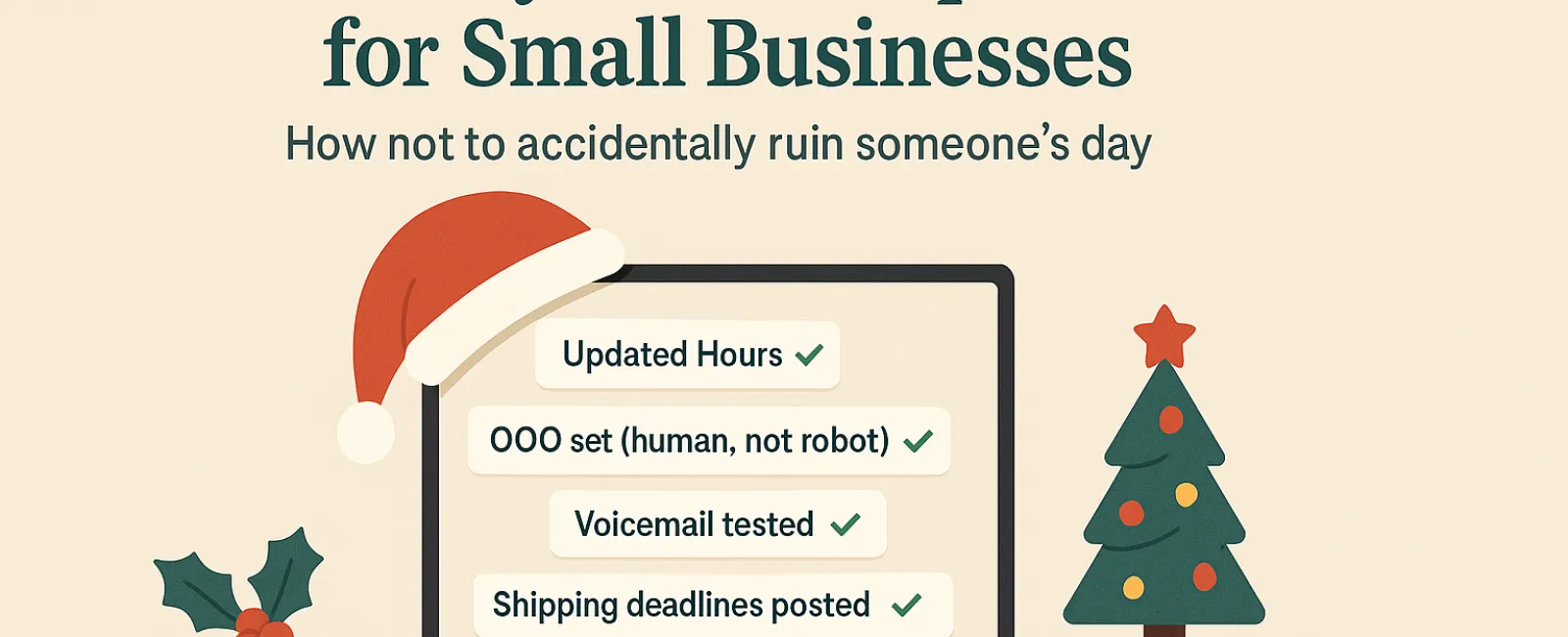
The holiday season brings more than just festive tunes and end of year rushes. For small businesses, it means juggling staff schedules, meeting customer expectations, and making sure nothing slips through the cracks especially when it comes to your tech.
One outdated voicemail or incorrect business hour listing can derail someone's day. And while it's rarely intentional, it reflects directly on your brand. That's why we put together this Holiday Tech Manners Guide a quick, actionable checklist to help you avoid the most common holiday tech mishaps.
1. Update Your Online Hours
(Before That First Angry Phone Call)
If your hours change during the holidays, make sure your online presence reflects that before someone shows up to a locked door.
What to check:
- Google Business Profile
- Social media (Facebook, Instagram, Yelp)
- Website banners or pop-ups
- Apple Maps (yes, people still use it)
Sample message:
"Happy Holidays! We'll be closed Thursday, Nov. 28 to Sunday, Dec. 1 to spend time with family. We'll be back to regular hours Monday morning likely a little slower, but ready to help!"
2. Set a Friendly, Human Out-of-Office Reply
Auto replies don't need to sound robotic. A simple, warm message keeps your communication professional and personal.
Sample out-of-office message:
"Thanks for reaching out! Our office is closed for Thanksgiving from Nov. 28 to Dec. 1. We'll respond as soon as we're back and caffeinated. If it's urgent, call our support line at (XXX) XXX-XXXX. Wishing you and yours a wonderful holiday!"
3. Don't Overshare in Your Auto-Reply
It's tempting to explain where you're going or what your team is doing, but too much detail can be a security risk (and a little TMI). Keep it brief: share your schedule, your return time, and how to get help if needed.
4. Test Your Phone Systems
Take five minutes and call your own number. Does your voicemail reflect current hours? Is the message clear and concise?
Sample voicemail:
"You've reached [Business Name]. Our office is currently closed for the holiday weekend. Please leave a message and we'll return your call Monday morning. If this is urgent, press 1 to reach our on-call team. Happy Holidays, and thanks for your patience!"
5. Communicate Shipping or Service Deadlines
If you handle shipping or time-sensitive services, make sure deadlines are front and center. Clear expectations now can prevent a lot of holiday frustration later.
Remind customers early and often so no one's left wondering where their gift, service, or support request went.
The Bottom Line:
Clear communication. Respect for people's time. A little human touch.
That's what great holiday tech etiquette looks like. It helps prevent avoidable problems, keeps your customers happy, and supports your reputation as a business that cares even when you're out of office.
Want help keeping things smooth while you take time off?
Let's talk about how we can make your systems (and customer experience) holiday ready.
https://chrcreative.com/discoverycall